Technical Guides
Hydraulic Press RFQ: What to Send Before a Quote
Build a clearer hydraulic press enquiry with application details, separate force fields, stroke, opening height and worktable dimensions.
A model name leaves questions unanswered
Imagine preparing a hydraulic press enquiry with a part image and a model name, while the tooling drawing is still being revised. You want a useful quotation, but the enquiry leaves the forming task and machine arrangement unclear. Before comparing prices, make the application and the unresolved questions visible. This guide concerns purchasing information; it does not calculate the force your part requires.
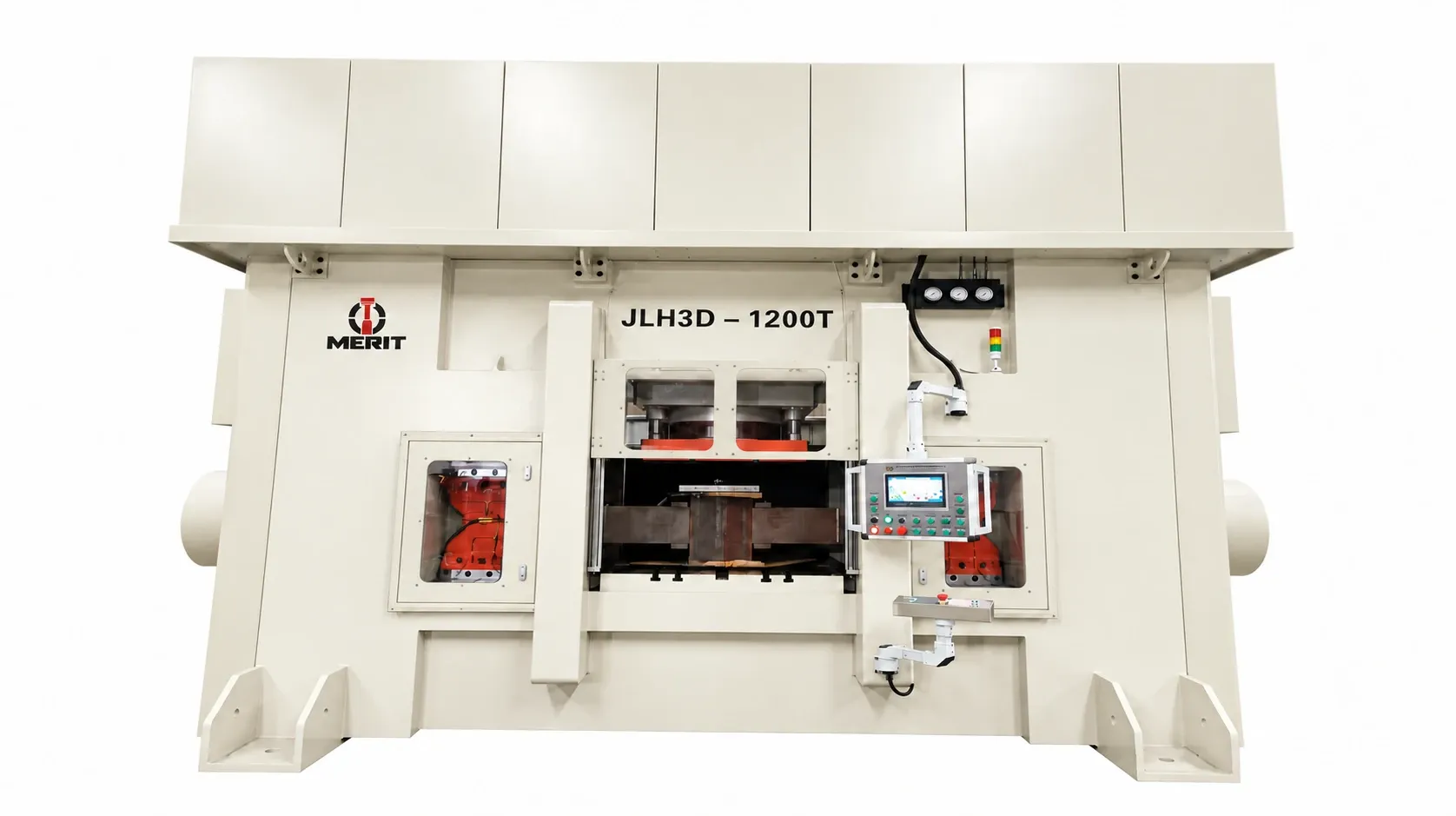
The company brochure describes the multi-directional press as combining a vertical main cylinder with left and right forming cylinders. That is why a short request for a forging press can leave an important question open: which forming directions does your process require? A model label alone does not describe that requirement.
Unclear inputs make comparisons harder
If competing quotations answer different assumptions, their headings may look comparable while their proposed arrangements differ. A useful RFQ therefore distinguishes what you know from what remains to be discussed. Keep the current part description, tooling information and requested configuration together, and label preliminary information clearly. This gives your purchasing team a common basis for reviewing the replies.
A hypothetical buyer with an unfinished die design can still explain the material and intended forming directions. The missing die dimensions should remain an open item in that enquiry. Replacing a missing dimension with a guess would make the document look complete without resolving the technical question.
Read the specification fields before the model suffix
The company brochure lists JLH3D-500T with main cylinder force of 300 ton and side cylinder force of 100 × 2 ton. It separately lists main stroke of 300 mm, opening height of 500 mm, worktable L–R of 700 mm and worktable F–B of 800 mm. These are reference values for that listed model, to be confirmed for the order.
Keep those field names attached to their values in your RFQ. Do not interpret the model suffix as a single-cylinder force rating or combine the separate force entries into a new rating. Likewise, keep main stroke and opening height as distinct entries. The brochure presents each separately, so your comparison should preserve that distinction.
Build an enquiry around the actual application
Start with the part drawing, material and required forming directions, which the company brochure requests for discussion of the main-cylinder and side-cylinder arrangement. Use only drawings and technical information you are authorized to share. If the available drawing is preliminary, make that status clear rather than presenting it as an agreed production requirement.
Then record the model under consideration and copy its force, stroke, opening and table fields without renaming them. Place your tooling dimensions beside those reference entries as questions for technical discussion. This keeps the published model information separate from your own application inputs and avoids turning a reference specification into an acceptance statement.
Finally, identify what you want the response to clarify: the forming arrangement, the selected configuration and the final specification basis. For the multi-directional series, the company brochure says reference parameters vary by model and the selected configuration and final specifications must be confirmed in the order contract.
Questions before sending the RFQ
Can I begin with a photograph?
Use it to explain the enquiry, but pair it with the authorized part information and clearly identified gaps. A photograph should not become a substitute for the material, forming-direction and drawing information requested in the brochure.
Are the cover image and reference values a final offer?
The cover is an approved AI series illustration, not an exact engineering configuration. Treat the listed model values as a discussion reference and confirm the selected configuration and final specifications in the order contract.
Turn the checklist into a technical discussion
Send Merit your authorized part information, material, required forming directions and clearly marked specification questions to discuss the hydraulic press configuration.